A new addition to our living room:

Geekgasm.

Room of Even Purer Awesomeness.
A new addition to our living room:
Geekgasm.
Room of Even Purer Awesomeness.
Apparently I’ve earned 11.000,- for my vacation ("feriepenge"), and I actually thought I was gonna be in debt after finishing my stay at the European Film College, so I’ve bought some stuff these past weeks.
Wireless PC adapter for Xbox 360
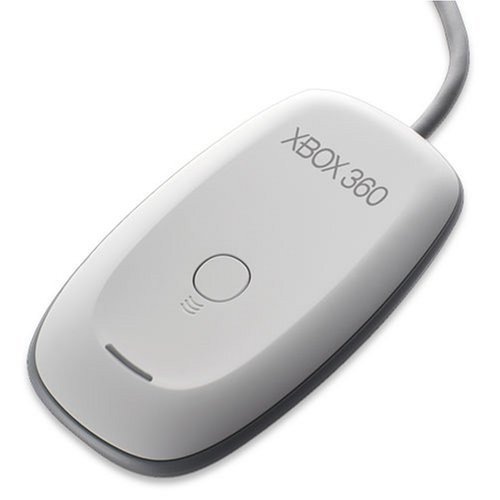
Makes it possible to connect eight wireless Xbox 360 controllers to a PC. Sweet.
Scene It: The Movie Trivia Game (X360)
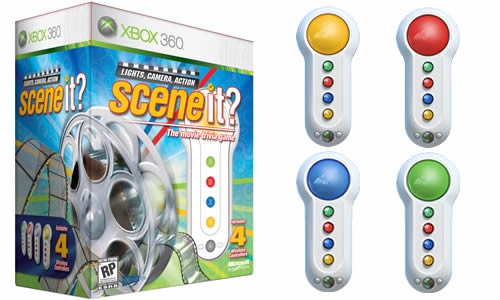
Gonna be fun to play when we’re drunk.
Half-Life 2: The Orange Box (X360)
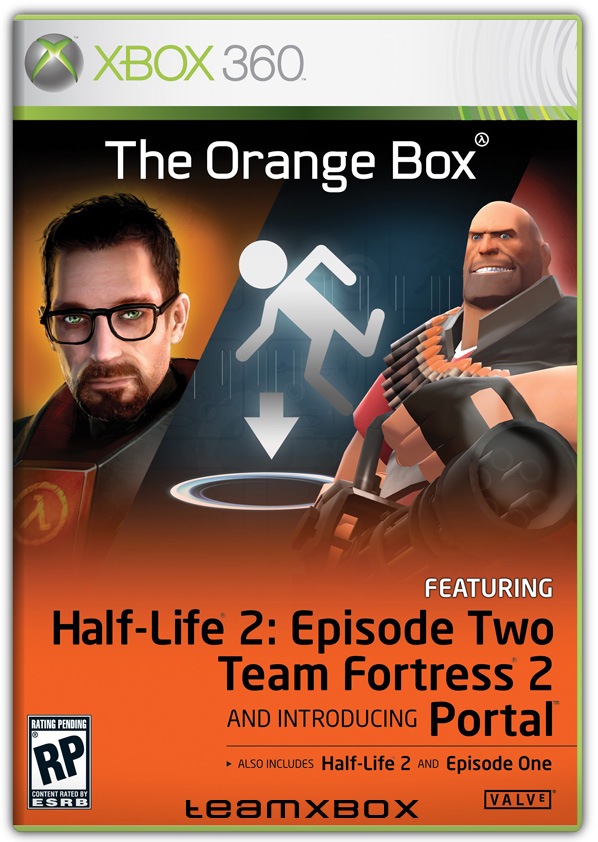
Because it’s awesome.
Kingston 2 GB PC2-5300
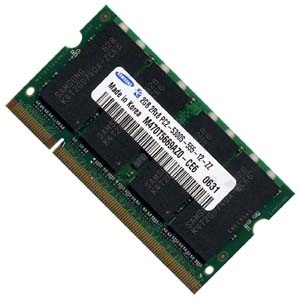
Because my MacBook needs it.
Overnight (DVD)
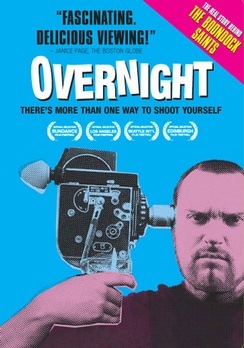
Documentary about Troy Duffy, make of The Boondock Saints. He was an up-and-coming screenwriter and director who singlehandedly ruined his own career by being an ass.
NOTE: If you have any questions, write a comment.
CHANGELOG
27th of October, 2010: Tested with Windows 7.
12th of March, 2008: Tested with Windows XP.
The communities for old console games are quite amazing, I myself am mostly interested in Nintendo 64 games, especially The Legend of Zelda: Ocarina of Time (best game ever made), and I had heard about someone redoing all the textures. I finally decided to check it out and since it took me forever to figure this out, I thought I might as well do a guide about it.
First of all you need an emulator to run the game, the most popular are 1964 and Project 64. Since I got everything working first on 1964, that’s what I’ll be talking about in this guide. So, without further ado:
Now we need a better video plugin, the most popular is the Rice Video Plugin version 6.1.1 beta 10. As far as I’ve understood a guy named ‘Mudblood’ started updating it after that, so this is the last version made by ‘Rice’ himself.
Now we need to configure 1964.
That’s all for setting up the emulator.
Now you need the rom, the game itself. I can’t really help you with that, although looking here may be a good idea. The rom I’m using is called Legend of Zelda, The – Ocarina of Time (U) (V1.0), the guide may work on other versions of, though. If you find the rom you can run it from 1964 by pressing Ctrl + D and then selecting the folder where it’s located.
This is really what makes it worth going through all this trouble to play the game. The texture packs are rather hard to find, but I found two of the most popular. The first one is made by a guy named ‘Djipi’. He spend 1,5 years redoing every single texture in the game, making it look like Wind Waker. The second pack is with high-resolution textures, which look a lot like the textures from Twilight Princess. This is how you install them:
If that’s the case you’re done! If you want to try the other package you can rename the The Legend of Zelda folder, and then put the other folder in there. Now, when you open up 1964 and double-click the rom the emulator should start going through all the new textures before loading the game. If it doesn’t find anything you probably forgot to check Load hi-res textures if available.
Playing Ocarina of Time on a keyboard isn’t quite the same though, I decided to buy this, so now I use my wireless Xbox 360 controller to play it and all my other roms. Also, you can connect eight controllers to it, which is awesome.
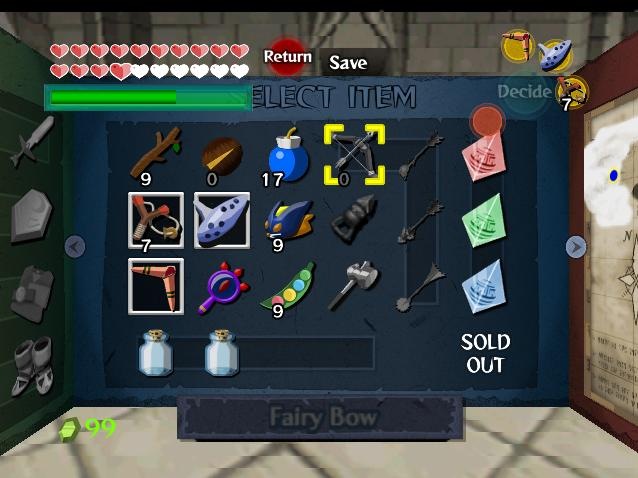
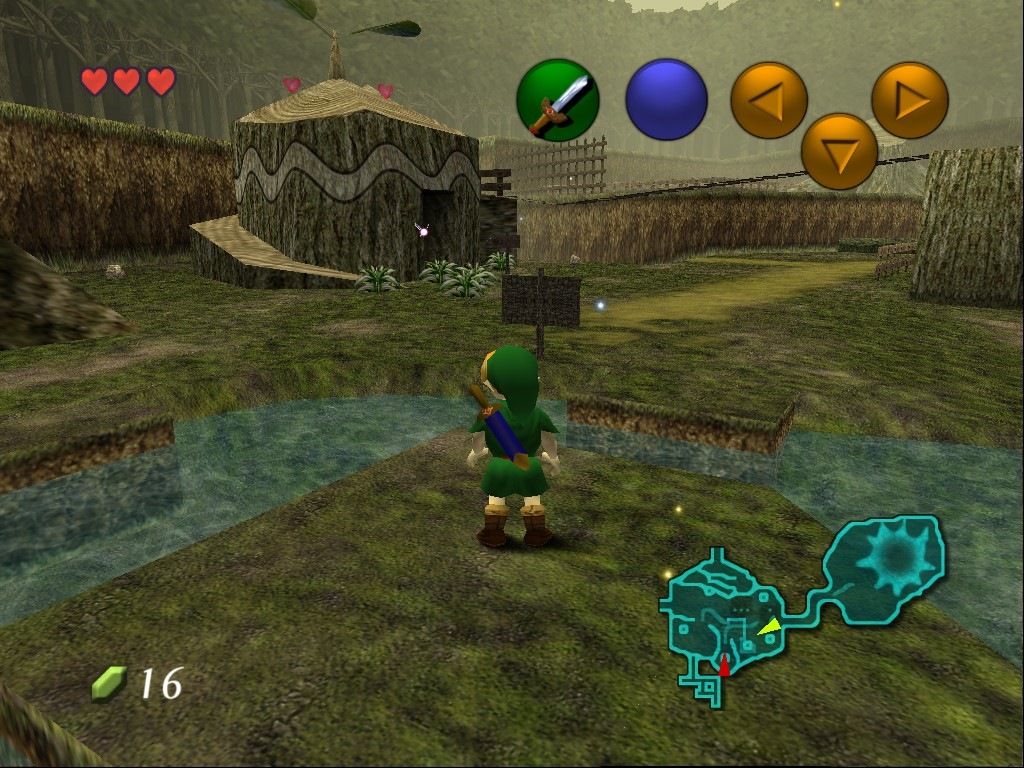
There are also some unfinished high-resolution texture packs for Ocarina of Time but I haven’t been able to find working download links. There are a lot more texture packs on emutalk.net, but, as I said, it’s pretty hard to find packs that are totally done. Anyway, hope the guide is helpful, here are some screenshots:
Cell Shading Package
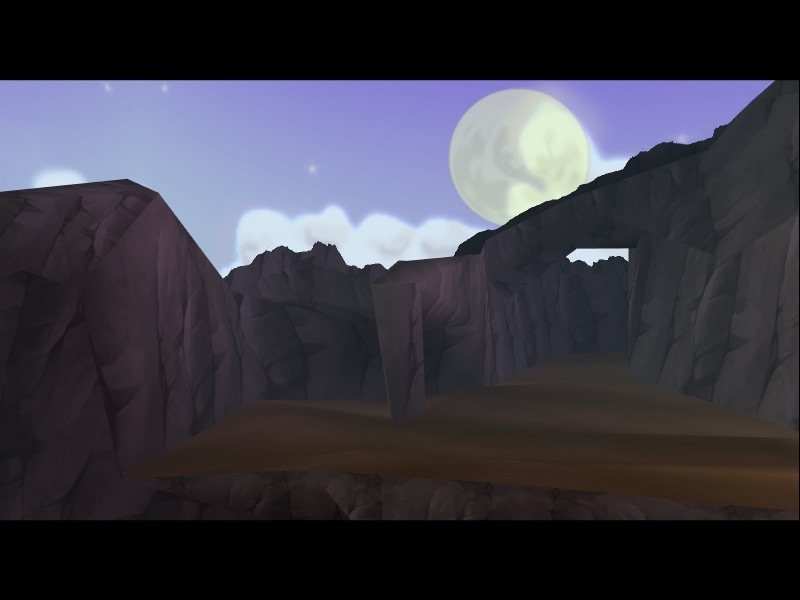
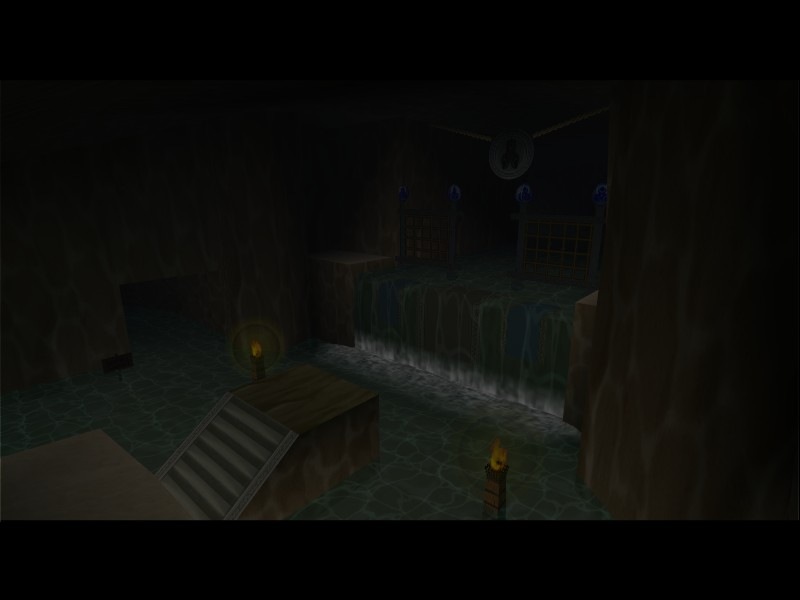
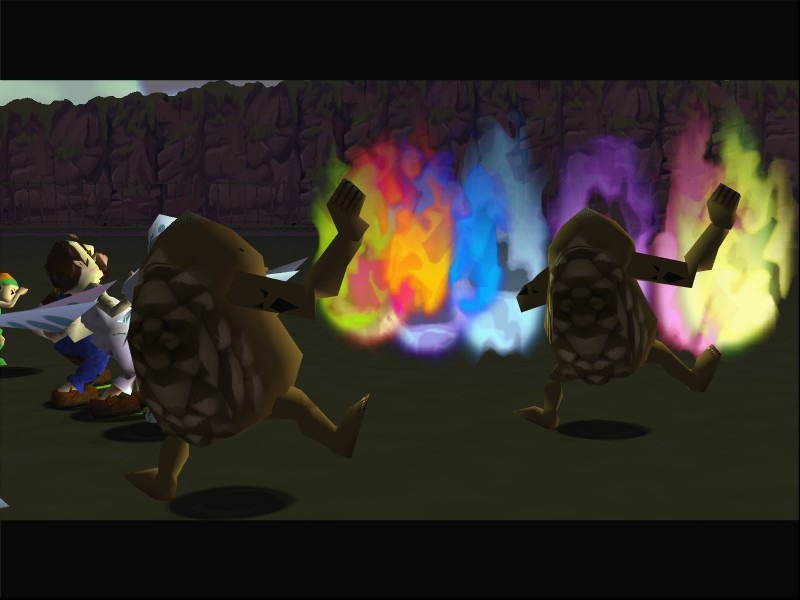
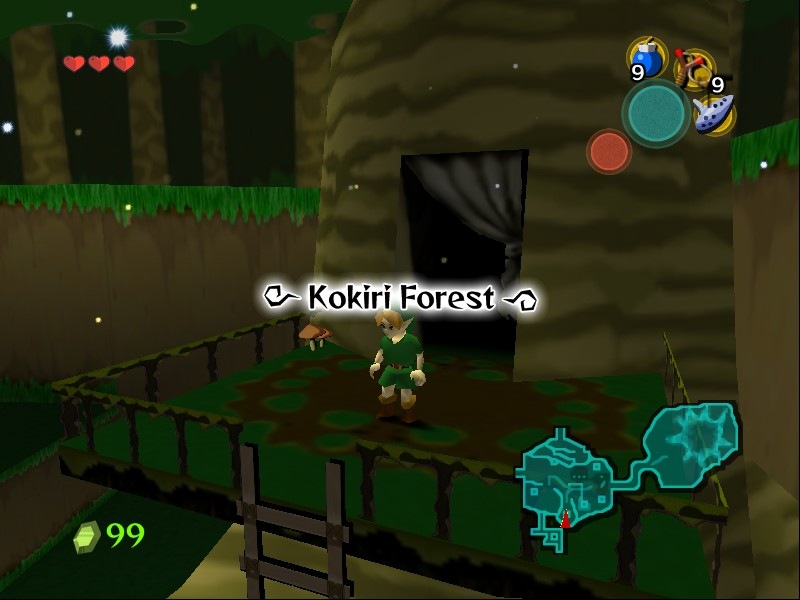
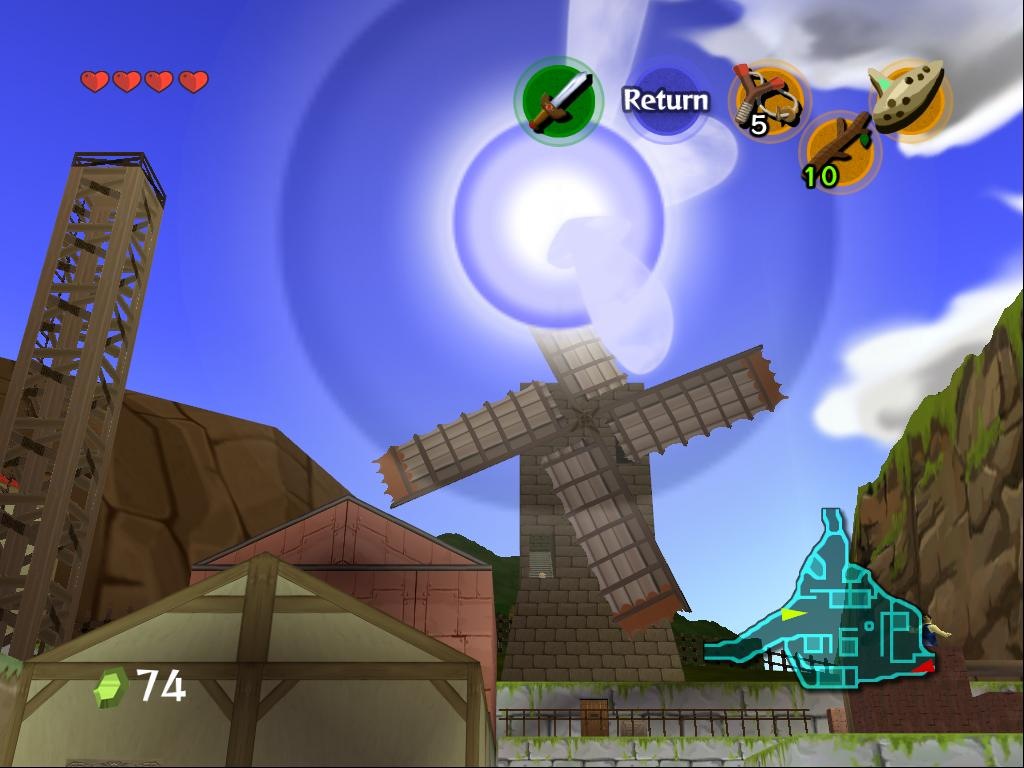
High-Resolution Package
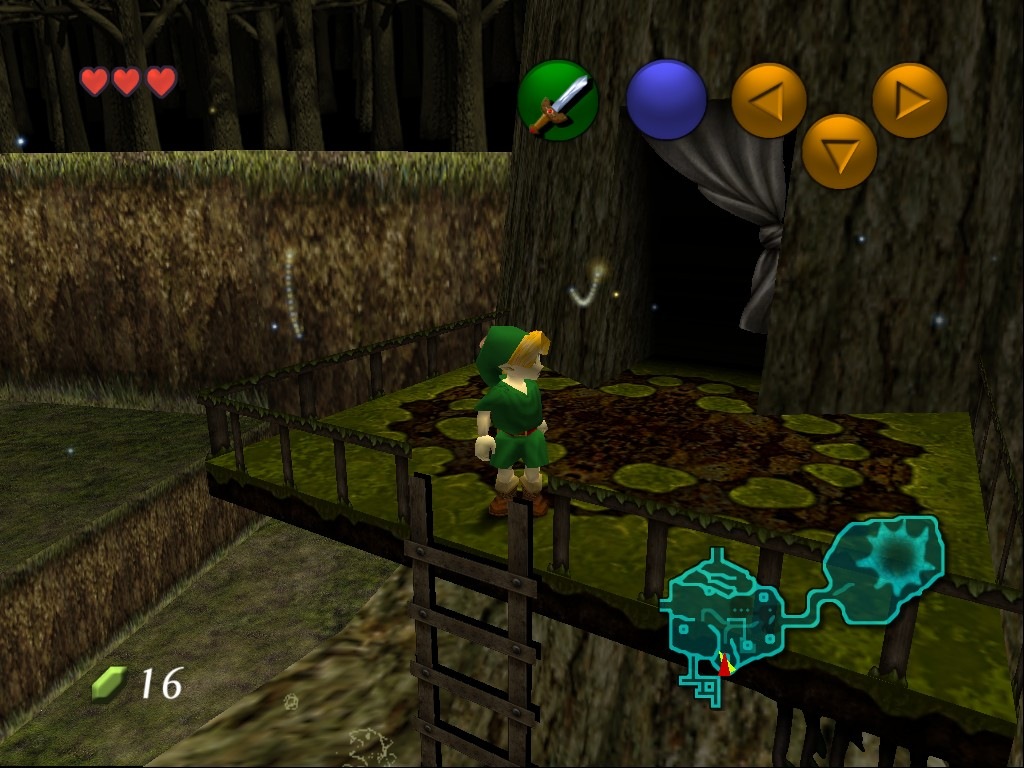

Sorry for the lack of updates. Stumbled upon this Team Fortress 2 Ripoff, developed by DICE, who made all the Battlefield games. It looks awesome, actually like Team Fortress 2 in the Second World War. Best of all, it’s going to be downloadable for free!
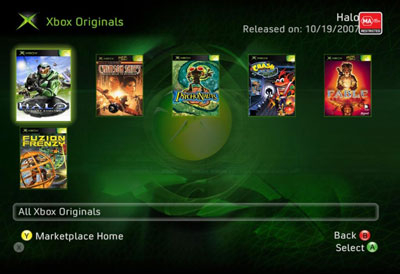
With the recent fall update of Xbox 360, Microsoft introduced a series of new features. I haven't really gone in to depth with checking them out, except for two. The first one is Xbox Originals, a service that let's you download original Xbox games for the console, they cost 1,200 Microsoft Points, which is around 110 DKK, so far the following games have been released on Xbox Originals:
Halo: Combat Evolved
Fable
Psychonauts
Crimson Skies: High Road to Revenge
Crash Bandicoot: The Wrath of Cortex
Fuzion Frenzy
Fahrenheit
I've been wanting to try Fable, Fahrenheit and Crimson Skies for a long time, and 110 DKK is pretty cheap for those games. So far I've bought Crimson Skies, it takes up 4.1 GBs of space though, so I have to be careful not to fill my hard disk with games.
The other awesome feature is DivX and Xvid playback, I tested it yesterday by putting an Xvid video of 28 Weeks Later on my USB Drive, inserting the drive into the 360's port and then playing it from the media section. It runs very smooth, you can even rewind and go fast forward, and if you stop watching you can resume the playback later. Now I just want to be able to download tv shows and movies, a feature that's been available in the US for some quite sometime. Today it will actually also launch in UK, Ireland, France and Germany, but it'll probably still be some time before we see it in Denmark.