The Xbox 360 Spring Update is here, and with it comes instant messaging in the form of Windows Live Messenger. Naturally I wanted to try it out, so I clicked on the new ‘Chat and IM’ tab, which then prompted me to enter my password, that’s when I realized I was using two different Windows Live IDs for Xbox Live and Windows Live Messenger. And it’s not like I don’t want to use the same ID, but here’s why Microsoft wouldn’t let me: When I bought the console I was already using my Messenger ID (fookhar [at] gmail.com) and therefore I wanted to use this ID with my Xbox, but if you use existing IDs you can’t use the free month of Xbox Live Gold that comes with the console, which meant I had to create a new ID (marcus.mattsson [at] gmail.com), I even called the support center, no help there either.
Now, when I want to use the integrated Windows Live Messenger client in Xbox 360 I must use marcus.mattsson [at] gmail.com because it’s locked to my Xbox 360 account, which means I have to transfer all my Messenger-contacts to this ID (a feature that doesn’t seem to work very well at the moment) or use fookhar [at] gmail.com with my Xbox 360 which means I lose all contacts on my friends list, achievements, etc.
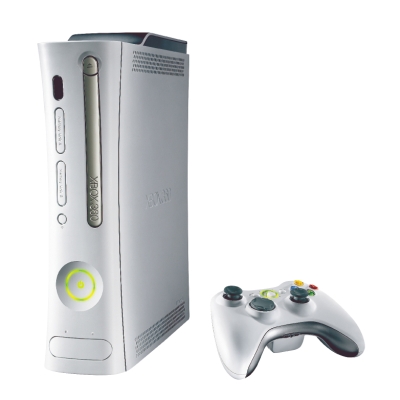
Smart move MicroSoft, why the hell can’t I just be allowed to sign in to Messenger on the 360 with whatever ID I want? Jeez. Well, all this doesn’t matter much to me at the moment anyway, since my 360 has started freezing few seconds after I’ve loaded savegames. Feck.


 Yup!
Yup!