I’m now on the 5th semester of Medialogy, and we’re currently developing an iPhone application. The application lets the user use the iPhone as a camera that looks back in time, i.e. if you’re standing at Christiansborg in Copenhagen and point the iPhone at the building you should see how the area looked 500 or 1000 years ago. We also wanted this environment to be interactive, i.e. the user should be able to walk and look around. This means that we wanted to model a 3D environment of the area and synchronise the position of the user in real life to the position in this 3D environment, and also allow the user to use the iPhone as virtual reality goggles, i.e. if you tilt the iPhone upwards you see the sky, if you turn around you see what’s behind you in the 3D world, etc.
We’ve been making the models in Maya and building the application itself in Unity, since it has a pretty strong iOS support. All scripts in Unity are programmed in C#.
Basically the application will have the following features:
- User can move around by physically moving (Assisted GPS).
- User can look around by using the iPhone as a camera into another world (Gyroscope).
- Weather conditions in 3D environment mimic real-life weather conditions (Network connection to DMI).
- Position of sun is calculated based on current date and time.
- Lighting conditions are calculated by using online information about solar radiation.
- A graphical user interface allows the user to switch between time periods.
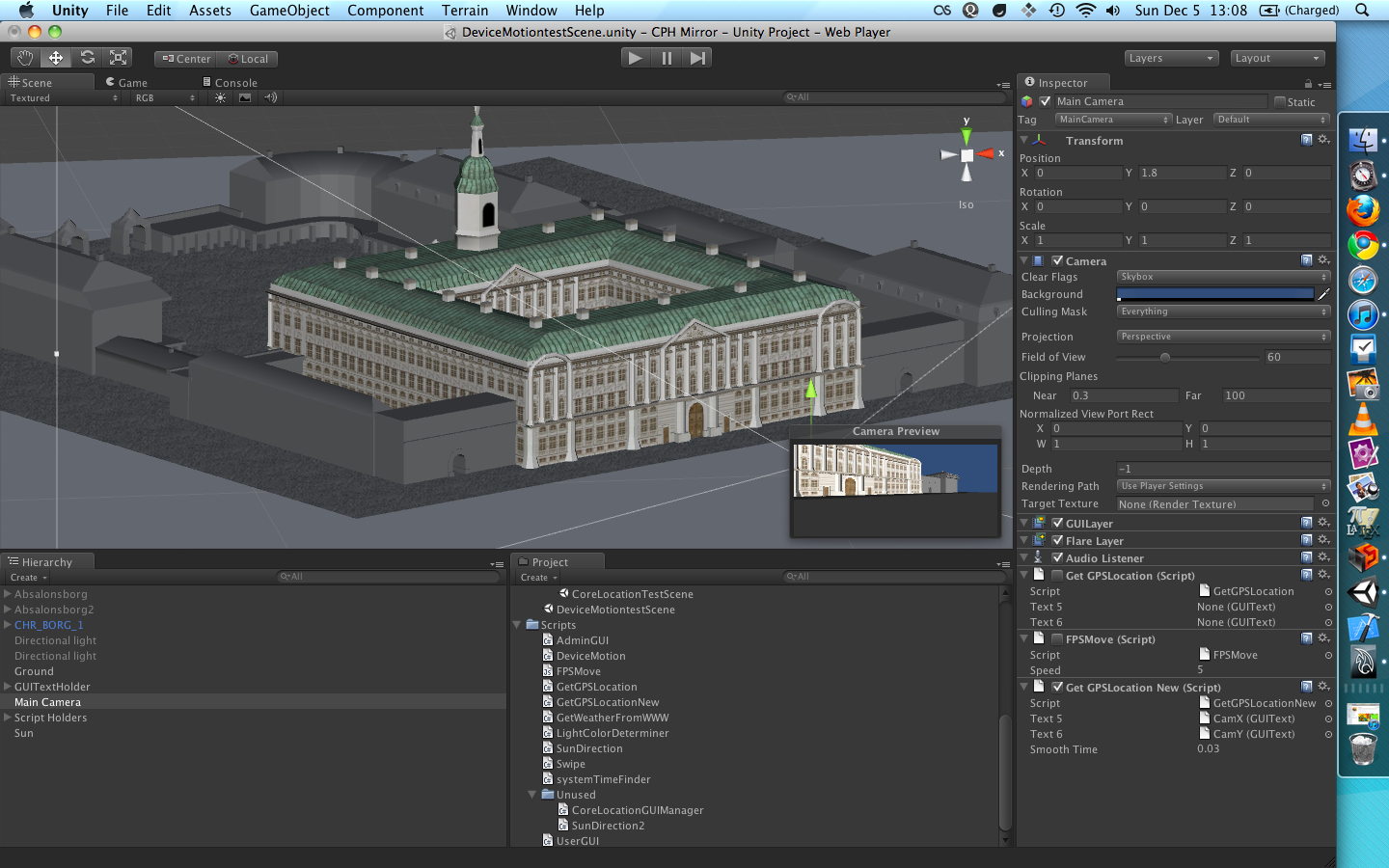
The application is currently running on my iPhone 4, but I have no video of it, so here’s a screenshot from Unity where one of the newer editions of Christiansborg is displayed.
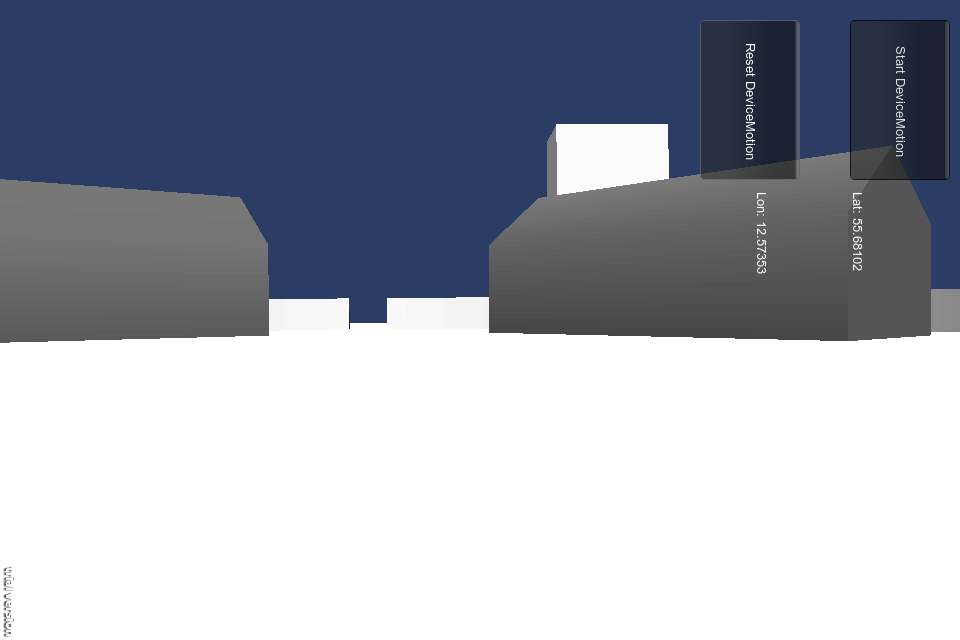
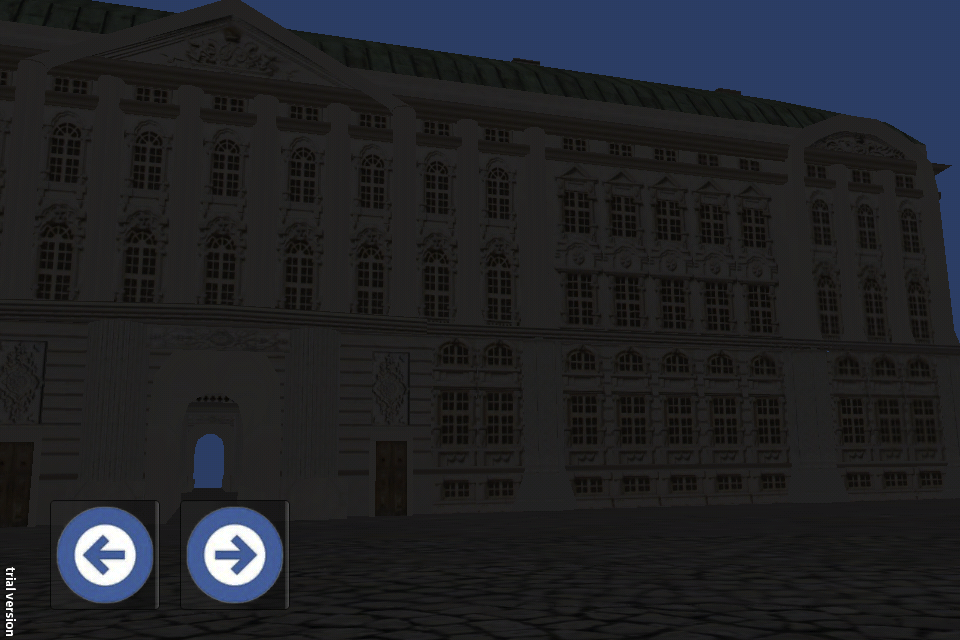
We do have some screenshots from the application, though:
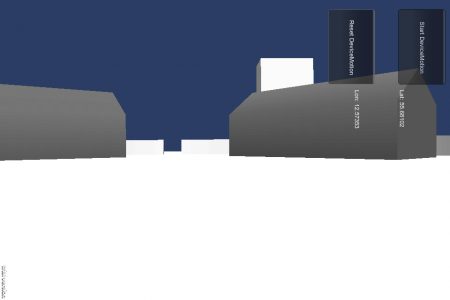
This is from an early build, no textures on the buildings or anything, but the gyro works, i.e. you can look around the environment by turning and moving the iPhone.
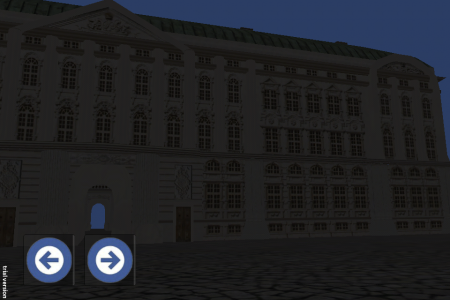
This is from the newest build. The model is the Christiansborg castle which was there before the current one. The image is dark because the sun’s location is calculated from the real sun, and it’s gone down at this point. The arrows allow you to switch between castles.
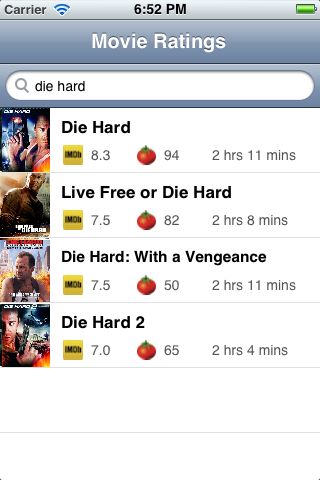 Searching works fine, it’s not just a mock-up, it’s just done in a very sluggish way at the moment. And I don’t have a good name for it, any suggestions?